FREE SHIPPING + 10% OFF YOUR FIRST ORDER! 🎁

  • Maxmango D72 Vlogging Camera
  • Maxmango D72 Vlogging Camera
  • Maxmango D72 Vlogging Camera
  • Maxmango D72 Vlogging Camera
  • Maxmango D72 Vlogging Camera
  • Maxmango D72 Vlogging Camera
  • Maxmango D72 Vlogging Camera
  • Maxmango D72 Vlogging Camera
  • Maxmango D72 Vlogging Camera
  • Maxmango D72 Vlogging Camera

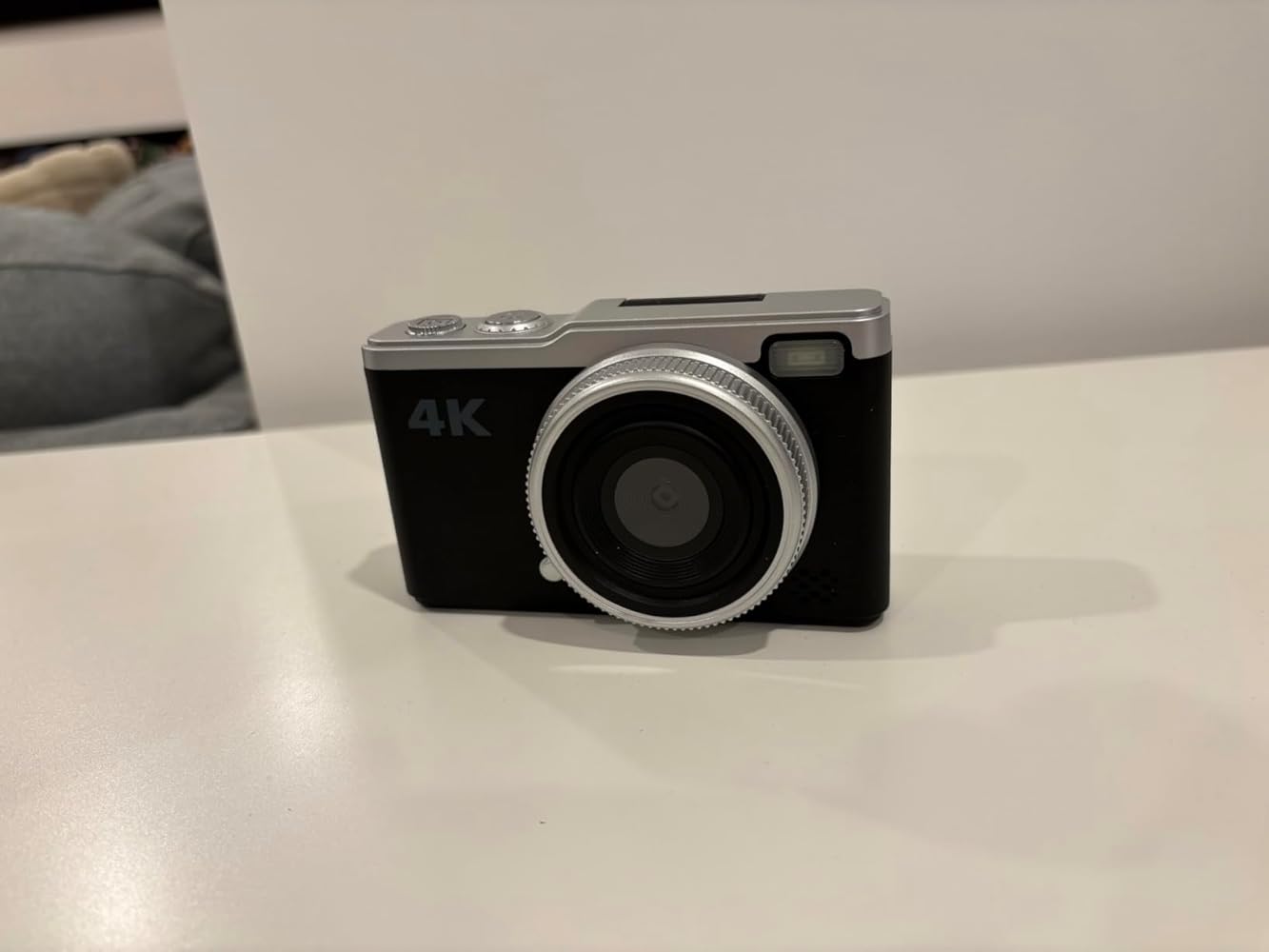
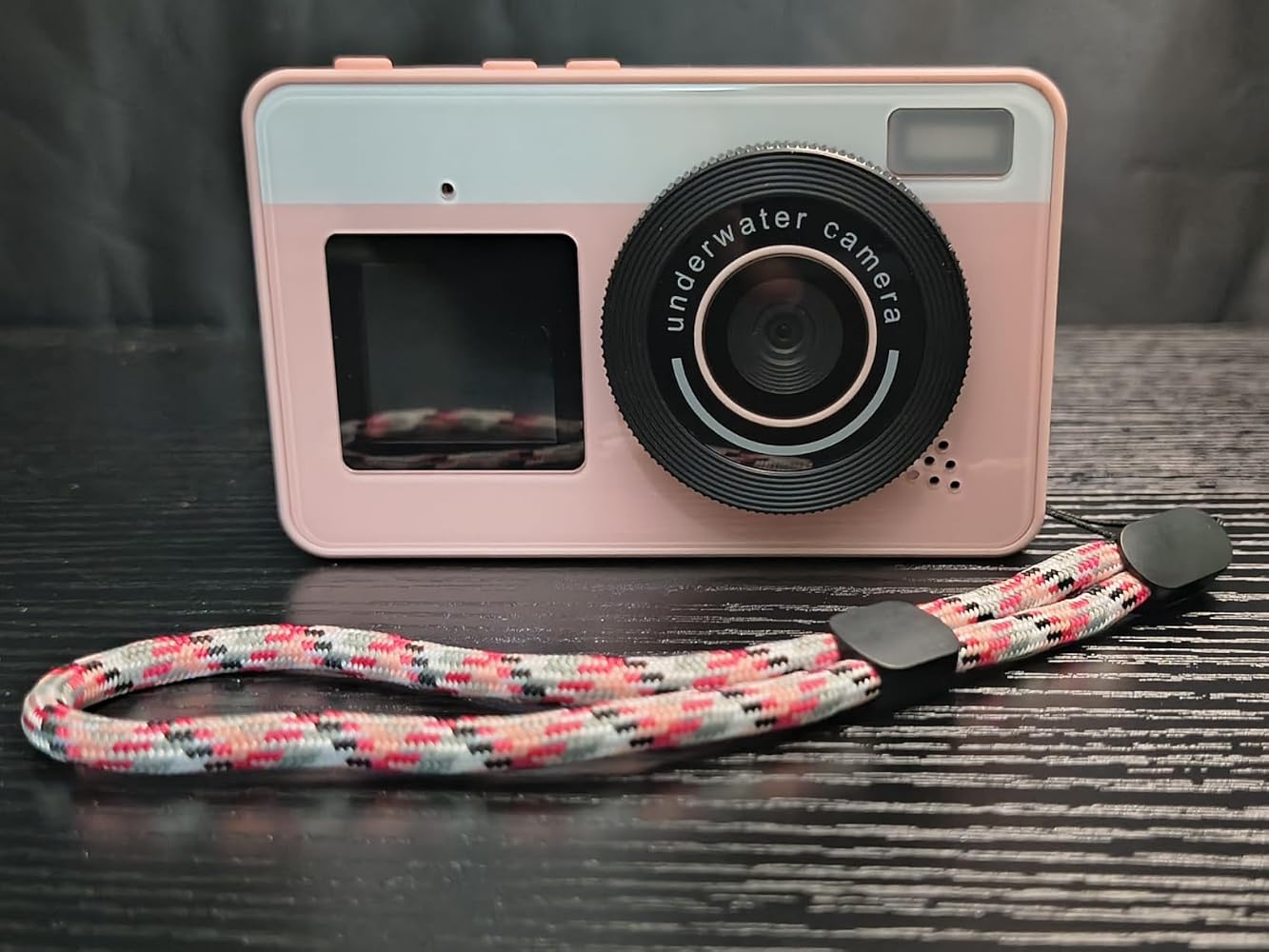
Maxmango D72 Vlogging Camera

Regular price £39.99 Sale price £49.99
Unit price per
颜色:
Product Description
Compatible Mountings:Other
Photo Sensor Technology :CMOS
Supported File Format:JPEG
Image Stabilization:Anti-shake
Maximum Focal Length:1 Millimeters
Maximum Aperture:1 f
Model Name:D72
Maximum Webcam Image Resolution:64 MP
Photo Sensor Size:1/4-inch
Brand:MaxMango
Shipping Policy

Free shipping on all orders over $99.

1. Standard Shipping(Order amount 0-98.99)--$6.99
2. Free Shipping (Orders over $99)--$0
Estimated Delivery time: 7-10 business days
3. Fast Shipping(Customer self-selection)--$12.99
Estimated Delivery time:5-8 business days

If you are not satisfied with your purchase, you can return it within 30 days.

For more information on returns and refunds, please see our Delivery and Returns section.

Worry-Free Warranty

Our products come with a 2-year warranty, ensuring durability and giving customers peace of mind.

  • Why D72?

    • 【64MP & Autofocus】 64MP HD quality with 16x zoom. Half-press shutter to focus.
    • 【180° Flip Screen】 2.4" IPS screen rotates 180° for perfect selfies and vlogging.
    • 【Stickers & Filters】 5 cute stickers and 16 filters. Press "OK" to access the menu.
    • 【Webcam & PC Link】 Plug-and-play USB connection for live streaming and HD video calls.
    • 【Pro Features】 Includes triple burst, time-lapse, date stamping, and built-in flash.
    • 【Compact Build】 Lightweight, robust, and portable for everyday travel.
  • Ready-to-Shoot Kit

    • 【16GB SD Card】High-speed storage for 8K recording.
    • 【Type-C Transfer Kit】Instant photo transfer directly to your phone.
    • 【Handy Wrist Strap】Secure and easy to carry on your wrist.
    • 【Premium Dust Bag】Soft protection for your camera.

How to transfer photo to phone?

D50 Essentials & Support

  • Simply half-press the shutter button to focus. Once the frame turns green, press fully to capture a sharp, high-quality photo.

  • In photo mode, press the "OK" button to open the menu. You can then select from 5 cute stickers and 16 filters to personalize your photos.

  • Yes! The 180° flip screen allows you to see yourself while recording, and the webcam function makes it easy to stream directly from your computer.

  • If you need further assistance or have specific technical questions, feel free to contact ourCustomer Support Teamanytime through the "Support" page or email us directly. We’re dedicated to ensuring your Maxmango experience is seamless.